
Example 4-Sale of cars solution

Fifure 1: Automobiles Sales Application-tab Projects
First you need to create the project and the main class, only empty, which in this case is called the same as the project. Then add a new Automobile.java file containing the class of the same name, as shown in the following image:
Figure 2: Class Automobile-definition
Then you should return to the main class and complete the task. The Automobile class will be used to create objects that represent cars for sale:
Figure 3: Class AutomobilesSales-definition
Let's start this application to see what will be printed at the output: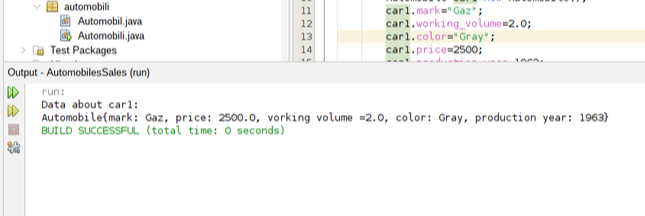
Figure 4: Project AutomobilesSales-execution
Return to additional example - classes and objects in JAVA