
A 2D game in Java – the golf game
This example describes how to create 2D games in Java using the Java Swing user interface package, together with the java.awt, java.awt.geom and other packages. It continues the projectile motion animation. Before you go further, watch the video tutorial that shows how the projectile motion simulation is made: Animations in Java – an example. Below are the video lessons in which the golf game is created step by step.
Video tutorial: Making a 2D game in Java based on the projectile motion animation
Videos in Serbian with English subtitles – turn on subtitles (CC) in the YouTube player.
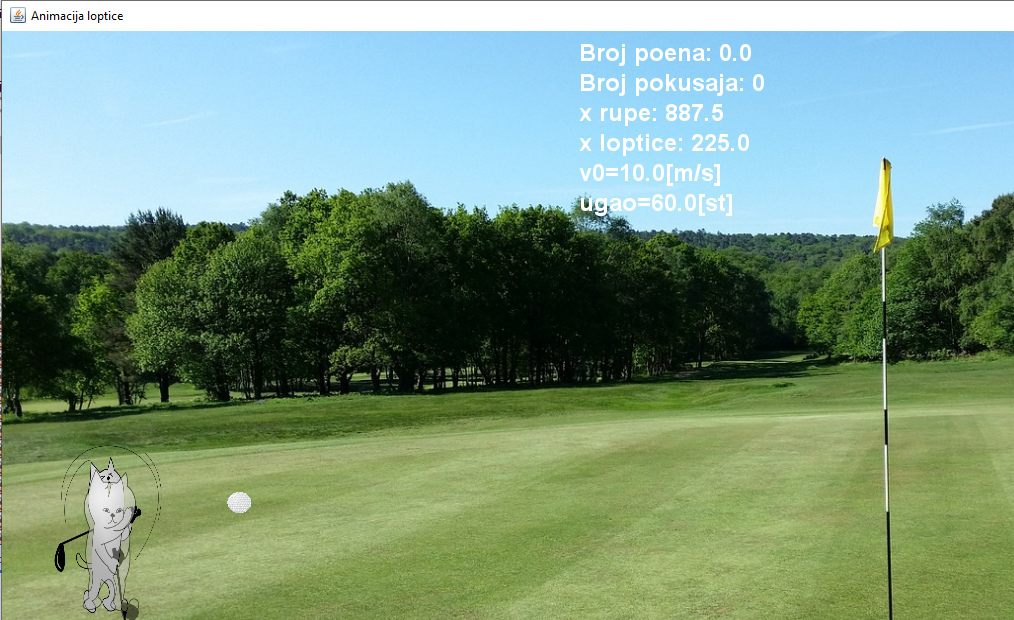
2D game in Java: "Playing GOLF" – part 1
The sixth part of the video tutorial that shows how to create animations in Java using the javax.swing.Timer object. The final goal is to create a game in a 2D plane that is an application of projectile motion. The parts show how to use Graphics, Graphics2D and the paint method. They also show how to separate creating objects from drawing them, and how to use classes that implement the Shape interface from the java.awt.geom package. This part shows how the projectile motion animation of a ball becomes a golf game.
2D game in Java: "Playing GOLF" – part 2
The seventh part of the video tutorial on creating animations in Java continues making the 2D game "Golf". This part adds keyboard events that start and stop the animation, hit the ball, increase and decrease the size and the angle of the ball's starting velocity, and show and hide that vector. It also shows how to add images in Java to create the scene for the 2D game.
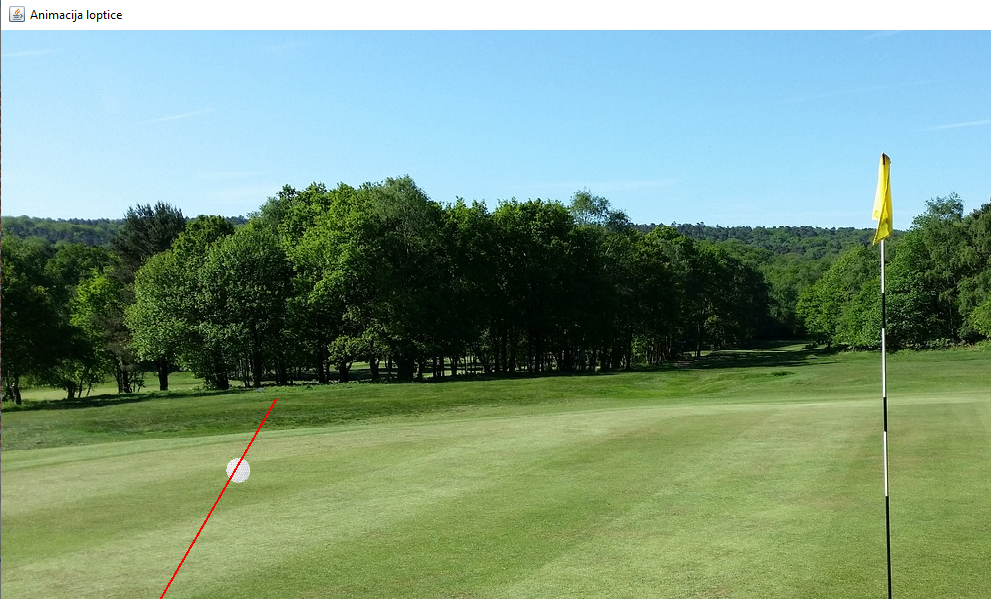
2D game in Java: "Playing GOLF" – part 3
The eighth part of the video tutorial on creating animations in Java continues making the 2D game "Golf". This part adds collecting information about the number of points and other relevant information about the game, and shows that data by drawing text on the screen. It also adds full control of the game flow, except for showing the player.
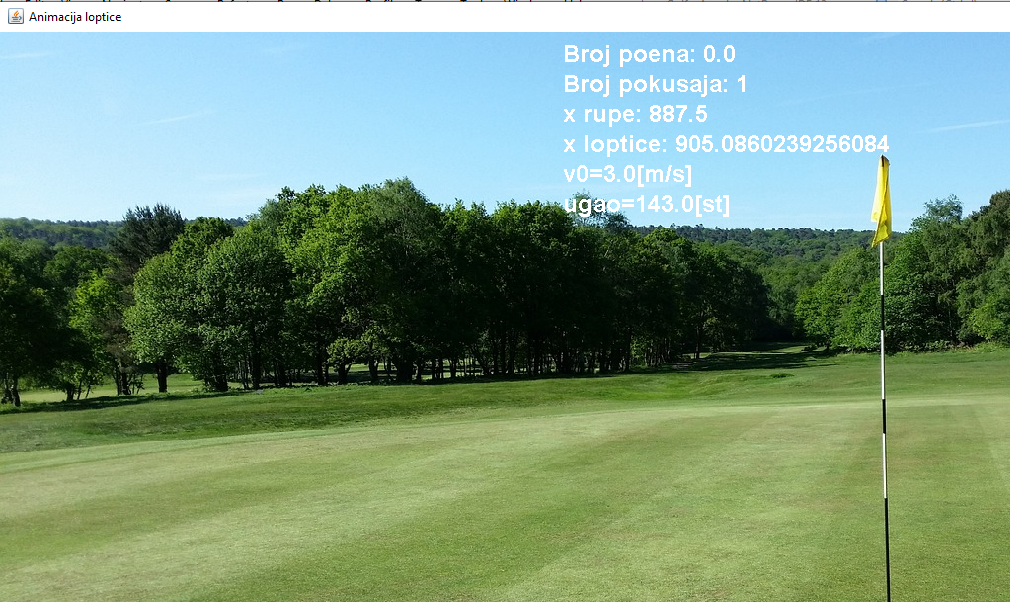
2D game in Java: "Playing GOLF" – part 4
The ninth part of the video tutorial on creating animations in Java shows the last stage of making the 2D game "Golf". This part adds a player with a shot animation on both sides of the ball. It shows an example of making a mirror image of a picture, and the reflected picture of the player is used in this game.
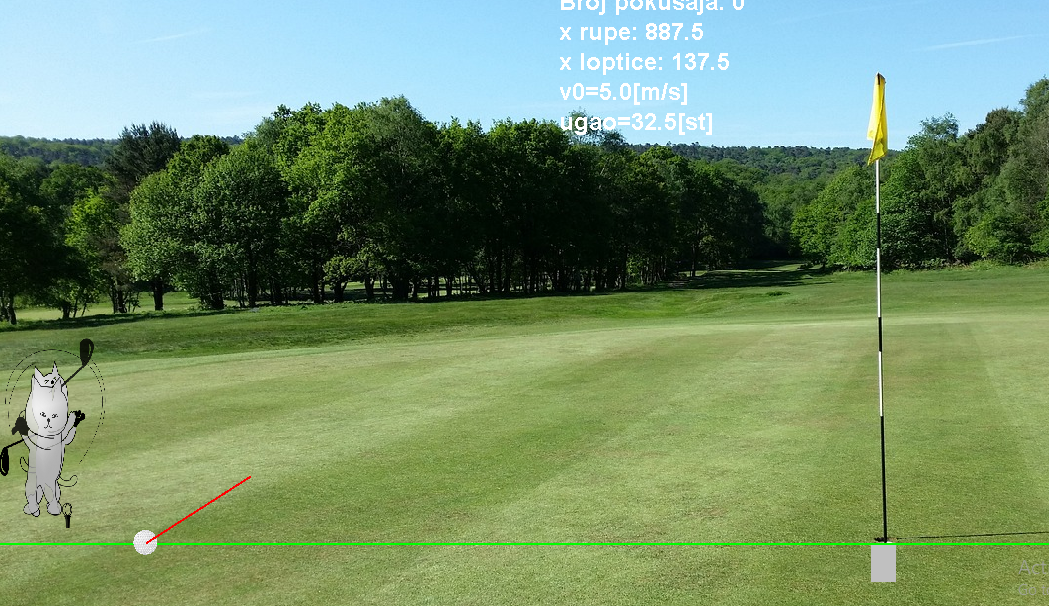
Check your knowledge
Open the quiz
Quiz: A 2D game
1. Which earlier animation is the golf game based on?
2. Which quantities decide the path of projectile motion?
3. How can the game check whether the ball has reached the target?
4. What starts the redrawing in the game?